Data Cleaning · PDF · 4 pages
The Reproducible CSV Cleaning Checklist
A step-by-step framework to turn messy CSV files into analysis-ready data.
 Download original guide
Inside the guide
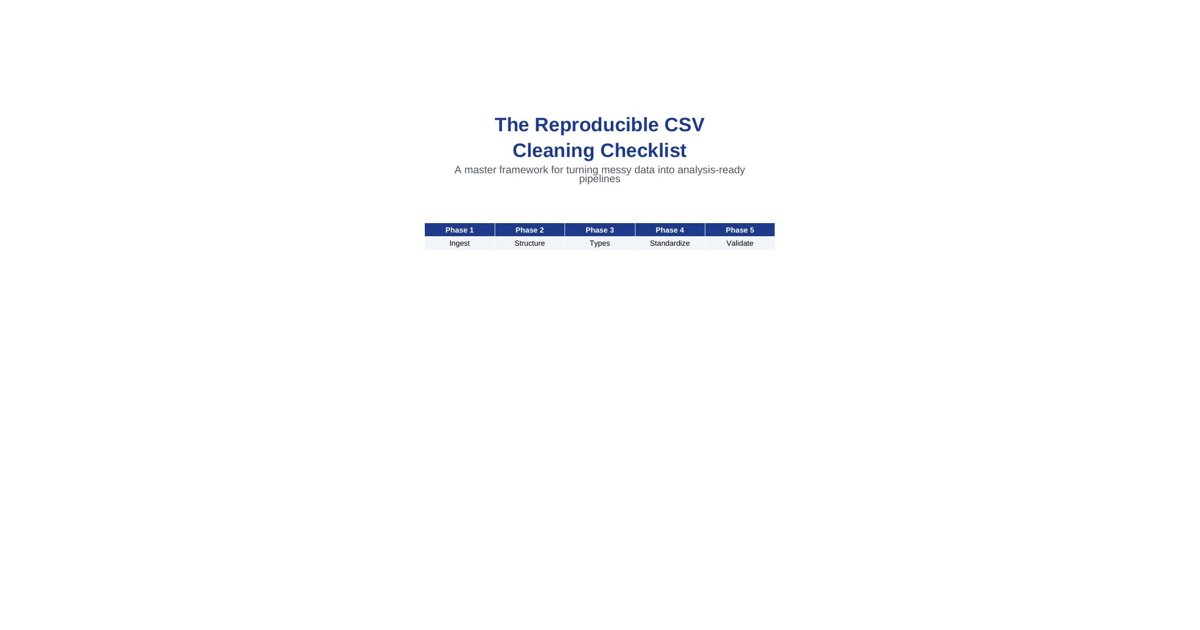
The Reproducible CSV Cleaning Checklist A master framework for turning messy data into analysis-ready pipelines
Phase 1 Phase 2 Phase 3 Phase 4 Phase 5 Ingest Structure Types Standardize Validate
1. The 80/20 Rule and Reproducibility Data cleaning accounts for 80% of any data project. However, cleaning manually in Excel is a silent killer of productivity and accuracy. A single manual 'Find and Replace' operation is impossible to audit months later.
The goal of this checklist is to move you toward a reproducible script-based cleaning pipeline. Every choice—from handling nulls to parsing dates—must be encoded in code so it can be re-run on fresh data instantly.
2. Phase 1: Ingestion & Technical Setup The first hurdle is simply getting the data into your environment correctly. Most CSV issues start at the 'read' step.
• Encoding Check: Does the file have special characters? If you see 'mojibake' (e.g., é instead of é), try encoding='latin-1' or 'utf-16' instead of the default 'utf-8'.
• Delimiter Sensitivity: Is it a comma, semicolon, or tab? If column counts look off, inspect the file for commas embedded inside text fields without proper quoting.
• Header Skip: Many exports have 'junk' rows at the top. Use skip-rows to start reading exactly where the headers are.
# Python/Pandas Example df = pd.read_csv("file.csv", encoding="utf-8", sep=",", skiprows=2)
3. Phase 2: Structural Alignment Once loaded, transform the structure into a 'Tidy' format. This makes every subsequent step (filtering, grouping, charting) exponentially easier.
• Standardize Headers: Lowercase all names, strip leading/trailing spaces, and replace spaces with underscores (e.g., 'Order Date ' -> 'order_date').
• Drop Junk: Identify and remove columns with 100% null values or rows that are just 'Grand Totals' exported from a reporting system.
• Unpivot (Melting): If you have columns for each month (Jan, Feb, Mar), unpivot them into 'Month' and 'Value' columns.
Before (Wide) After (Long/Tidy) Jan | Feb | Mar Month | Value 100 | 200 | 150 Jan | 100 Feb | 200 Mar | 150
4. Phase 3: Data Type Enforcement CSVs are flat text files. They do not store data types. You must enforce them strictly after ingestion.
• Dates: Parse 'Order Date' as a datetime object. Handle inconsistent formats (2026/01/01 vs 01-01-2026) using flexible parsers.
• Numeric: Convert 'Amount' to float. Strip currency symbols ($) or commas first (e.g., '$1,200.50' -> 1200.50).
• Categorical: Convert columns with repeating limited values to Category types to save memory and ensure consistency.
# Data Type Cleaning Pattern df['amount'] = df['amount'].str.replace('$', '').str.replace(',', '').astype(float) df['date'] = pd.to_datetime(df['date'], errors='coerce')
5. Phase 4: Content Standardization Dirty content hides behind subtle variations. Standardization is about collapsing those variations into single truth points.
• String Trimming: Always run a 'strip()' on text columns to remove invisible trailing spaces that break merges/lookups.
• Case Normalization: Decide on 'UPPERCASE' or 'Title Case' for categories so 'New York' and 'new york' aren't treated as different entities.
• Deduplication: Check for exact duplicates across all columns, or logical duplicates (e.g., two entries for the same Order ID).
6. Phase 5: The Validation Pipeline A cleaning script is not complete without a validation step. This ensures that your 'Clean Data' actually makes sense.
• Schema Gate: Does the final dataframe have the expected number of columns and the correct names?
• Logical Gate: Are there impossible scenarios? (e.g., Order Date in the future, or Shipping Date before Order Date).
• Distribution Gate: Do the mean and max values for 'Amount' look reasonable? Identify outliers that might be data entry errors.
7. The Master Reproducible Checklist
Phase Checklist Item Success Criteria
Ingest Encoding & Delimiter Column counts correct; no broken chars
Structure Standardized Headers lowercase_and_underscores
Type Numeric & Date Coercion Correct datatypes; no parsing errors
Content Trim & Case Normalize Uniform casing; no leading/trailing spaces
Dedupe Row-level check Zero duplicate records across keys
Validate Logical consistency Dates are chronological; ranges valid
Export Versioned Output File timestamped; change log updated
Conclusion Data cleaning is a discipline of repeatability. By following this reproducible checklist, you ensure that your analysis is built on a foundation of trusted, validated data. Clean once, automate forever.